

Open live preview
Click the play button in the toolbar to open a live preview in a new tab.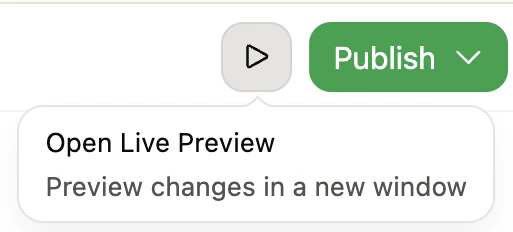
Live preview is only available for public documentation. If your documentation requires authentication, the editor displays a “Live preview unavailable” message.
Live preview versus preview deployments
| Live preview | Preview deployment | |
|---|---|---|
| Speed | Instant | Requires build time |
| Access | Local URL | Shareable URL |
| Use case | View changes while editing | Share with team for review |
| Availability | While the editor is open | As long as the branch exists |
Supported content
Live preview renders your pages exactly as they appear when published, including:- Text and components: All MDX content, callouts, code blocks, and other components update in real time.
- Images: Local and remote images display as you add or change them.
- Videos: Self-hosted videos using
<video>tags (MP4, WebM, MOV) display inline in the preview. - Navigation: Changes to your site navigation and configuration are reflected immediately.